Tue Dec 23 - Written by: Brendan McNulty
Week 50: Mining your updates for unexpected value
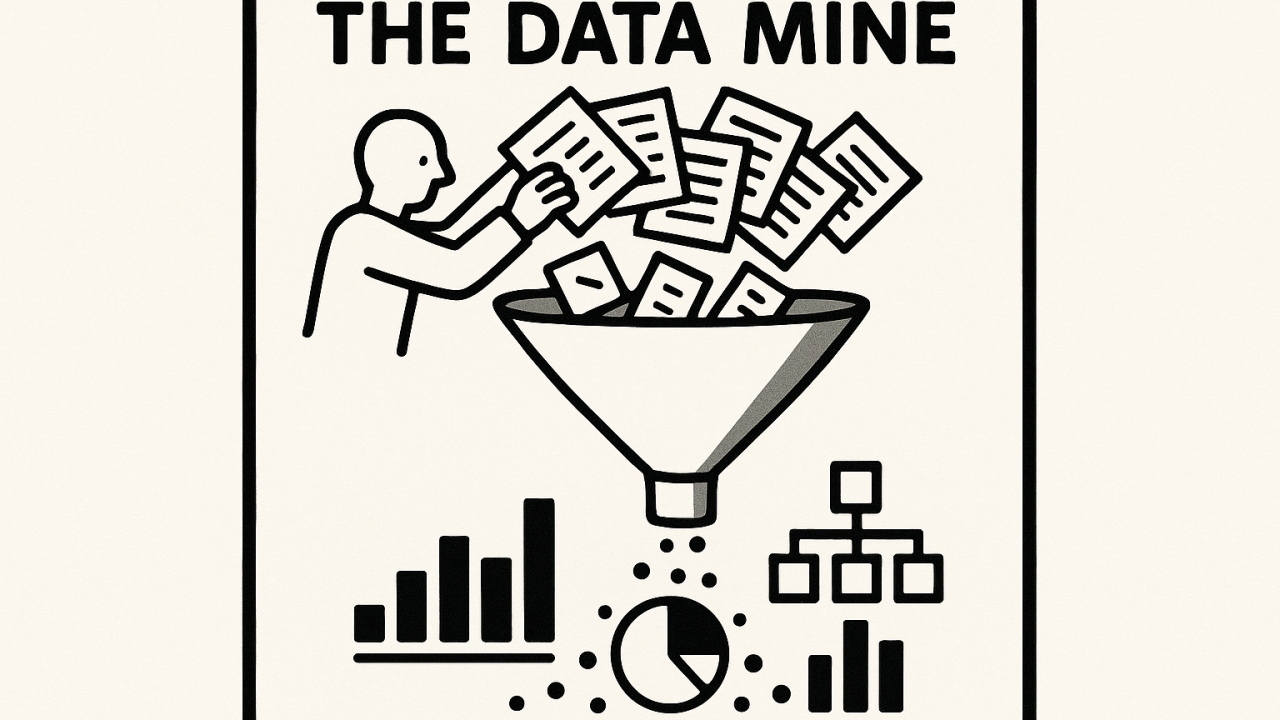
Week 50: Mining your updates for unexpected value
(and writing a job spec in an hour)
The Experiment
It’s late December. I need a job spec for a new intern. A new person is starting in January and I need to be clear about what they’re actually going to do. But writing a proper job spec felt like the last thing I wanted to tackle during end-of-year brain fog.
Then I realized something: I already have all the data I need.
Every week, I send my manager a three-part update. It’s a format from Hiten Shah and it’s become my backbone for staying organized. Things I did this week. What I’m doing next week. Where I need help. Nothing fancy, just bullet points. But after 20+ weeks of these, I’ve got a detailed map of what my actual job looks like—not the theoretical version, the real daily grind.
So the question became: what if I just dumped all of that into ChatGPT and asked it to build the job spec from there?
The Process
Here’s what I did. I gave ChatGPT a simple prompt asking it to extract the day-to-day work from my weekly updates and organize it into a proper job spec. Then I dumped in 20 weeks of raw updates—just bullet points, unfiltered.
I asked it to work in 3 steps: isolate the recurring themes, group them, then structure them into a spec that matched how I’d want to describe the role to someone new.
ChatGPT came back with 8 iterative themes. Things like: operations and setup work. Analytics and data investigation. Research and customer understanding. Roadmap and prioritization. Cross-functional coordination. Documentation and communication. Content and page optimization. Early-stage exploration work.
This was a pretty good summation :)
I confirmed. ChatGPT went to step 2, mapping these themes and figuring out what the intern should own versus what belongs at a senior level. What makes sense, what doesn’t. It made sure the role was coherent and didn’t overlap with other parts of the team.
I confirmed again. By step 3, it had written a full job spec using Yoco’s voice and structure. The whole thing took about half an hour.
The Outcome
I got a job spec that’s actually good. Not “good for an AI output” good. Actually useful. Specific about what the role is, grounded in real weekly work, and written in a way that makes sense to the person reading it.
But the real win wasn’t the job spec itself.
It was realizing I’ve got a goldmine in those weekly updates.
I do this format every week. It keeps me organized and gives my manager visibility. Now it’s become the source material for a job spec. And starting next year, I’m setting up automation to feed this into my bi-weekly report. Same core data, different format, no rewriting required.
Write once. Use it multiple ways.
The bigger insight is that I already have structured data about my work. Most people do, whether it’s daily standups, weekly notes, project logs, or team updates. That data is useful beyond its original purpose. It’s just sitting there, waiting to be mined.
Key Takeaway
You don’t need to think hard to write something good. You need good data. If you’re doing any kind of regular reflection or update—weekly notes, standups, retrospectives—that’s your source material. Feed it into an AI tool with a clear prompt, and you’ll get insights you wouldn’t have by sitting down to “think” about the problem.
Also: laziness and efficiency aren’t opposites. Sometimes the lazy approach is the efficient one.
Pro Tips for Beginners
- Start with what you already do. If you’re not doing regular updates, start. Make it simple.
- Be specific when you feed it to the AI. Don’t just say “write a job spec.” Show the raw data first. Say “extract the themes from this.” Let it do the grouping. Then ask it to compare and structure. The multi-step approach helps you catch gaps and tighten things up.
- Think about reuse before you write anything new. What format could you create once and use in multiple places? Weekly updates are just the beginning. They could feed into performance reviews, roadmaps, project briefs, even content for your team.
- Confirm each step, especially if you care about the output. It slows you down by maybe 10 minutes, but it catches the places where the AI is making assumptions about your role or your company’s priorities.
Want to Try It Yourself?
Start here: Pick a format you already use for regular updates. If you don’t have one, use this: Things I did this week. What I’m doing next week. Where I need help. Keep it as bullet points.
Do this for at least 4 weeks. Then dump it into your favourite LLM with a clear prompt about what you’re trying to build. Something like: “Here are 4 weeks of my updates. Extract the recurring themes. Group them by category. Then help me write a job spec for someone who could take these tasks off my plate.”
Ask it to confirm at each step. Don’t accept the first output without tightening it up.
Once you’ve got your spec or document or whatever you’re building, think about what else that data could be used for. A project brief? An onboarding doc? A performance framework? That’s where the real efficiency comes in.